Why Shopify Workflow Automation Improves Store Efficiency and Supports Business Growth
This post may contain affiliate links. Please read ourdisclosure policy
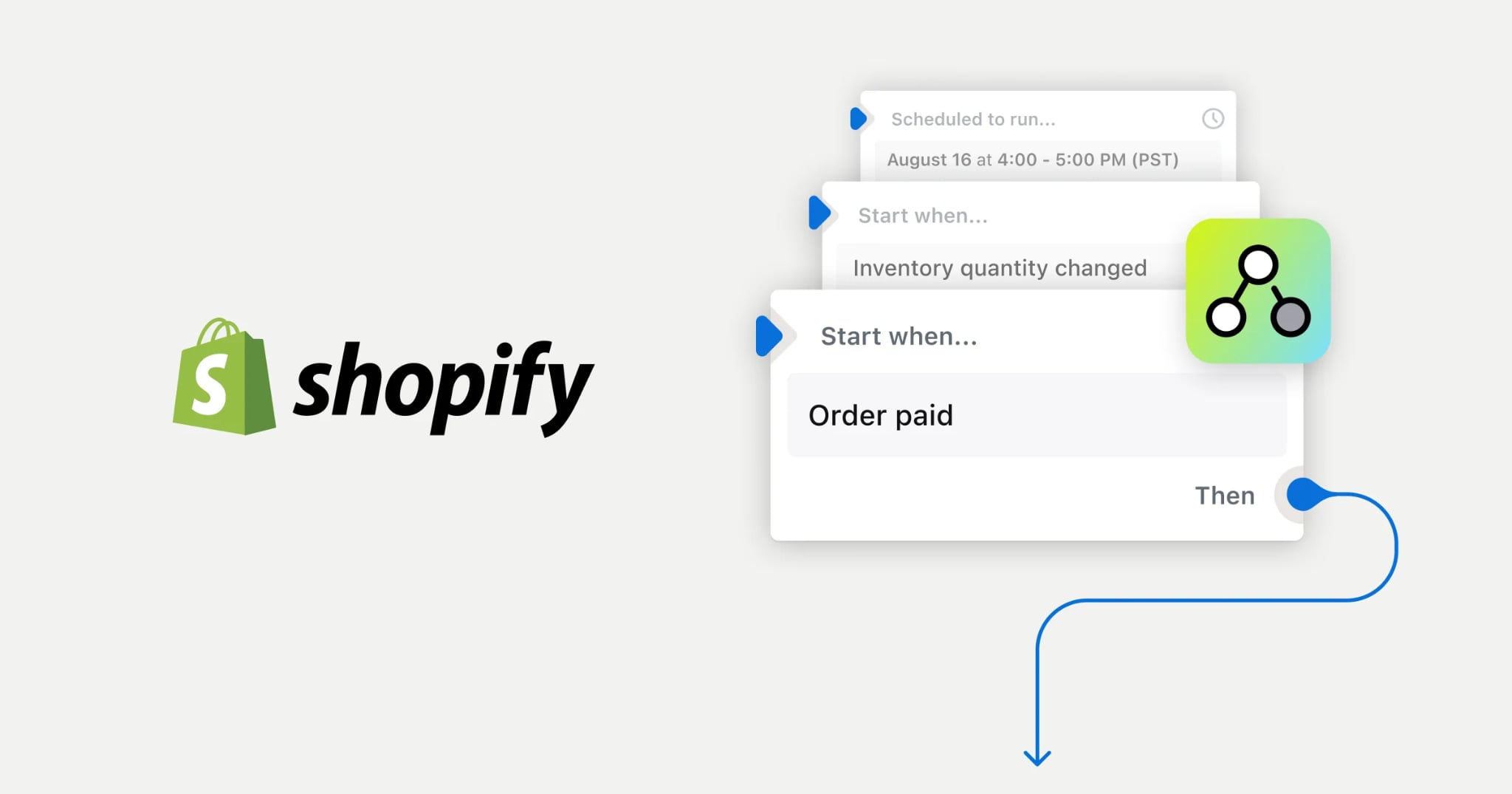
Running an online store involves far more than processing orders. Every day brings inventory updates, customer emails, order tagging, marketing campaigns, and countless repetitive tasks that consume valuable time. Shopify workflow automation helps simplify these processes by automatically handling routine operations based on rules you create.
As your business grows, automation allows you to spend less time on manual work and more time improving products, customer service, and sales. Shopify includes built-in automation tools while also supporting hundreds of third-party apps that expand your store's capabilities.
Choosing the right combination depends on your business size, budget, and goals. This guide explains Shopify workflow automation pricing, common automation tools, expected return on investment (ROI), and practical examples so you can determine which solution fits your store.
Shopify Workflow Automation: How It Works
Shopify workflow automation allows your store to perform actions automatically after specific events occur.
For example, automation can:
- Tag high-value customers automatically
- Send abandoned cart emails
- Notify staff when inventory runs low
- Detect potentially fraudulent orders
- Assign orders to fulfillment locations
- Update customer information
- Trigger post-purchase emails
- Create internal notifications
Instead of completing these tasks manually every day, Shopify completes them in seconds.
Shopify Flow: Shopify's Built-In Automation Tool
Shopify Flow is Shopify's native automation platform.
It allows you to create workflows using three components:
- Trigger – starts the workflow (new order, customer created, inventory changes)
- Condition – checks specific requirements
- Action – performs the automated task
Because Shopify Flow integrates directly into Shopify Admin, setup is relatively straightforward and requires no coding for most workflows.
Typical Shopify Flow automations include:
- Order tagging
- Fraud risk detection
- Customer segmentation
- Inventory notifications
- Internal staff alerts
- VIP customer identification
Many stores can automate a significant portion of daily operations using Shopify Flow before purchasing additional apps.
Why Shopify Workflow Automation Matters
Automation offers benefits beyond saving time.
Advantages include:
- Fewer manual errors
- Faster customer communication
- Better inventory management
- Consistent marketing campaigns
- Improved order processing
- Higher customer satisfaction
- Better operational efficiency
Instead of repeating the same administrative work each day, your store follows predefined workflows automatically.
Shopify Workflow Automation Pricing
One advantage of Shopify is that automation can start at little or no additional cost.
Shopify Flow
Price: Included with eligible Shopify plans
Features include:
- Order automation
- Customer tagging
- Fraud monitoring
- Inventory alerts
- Internal notifications
- Workflow builder
There are no separate monthly fees for Shopify Flow beyond your Shopify subscription.
Klaviyo Email and SMS Automation
Klaviyo is one of the most popular marketing automation platforms for Shopify.
Typical pricing:
- Free for up to 500 email contacts
- Paid plans start around $20–$30/month
- Larger lists can exceed $375/month
SMS pricing generally ranges from:
- $0.01–$0.03 per message
Klaviyo automates:
- Welcome email series
- Abandoned cart reminders
- Browse abandonment emails
- Post-purchase campaigns
- Customer win-back campaigns
Zapier
Zapier connects Shopify with thousands of external applications.
Typical pricing:
- Free plan available
- Paid plans begin around $19.99/month
- Advanced plans exceed $100/month
Popular integrations include:
- Google Sheets
- Slack
- HubSpot
- Salesforce
- Trello
- QuickBooks
Make
Make (formerly Integromat) provides another automation platform for complex workflows.
Pricing generally ranges from:
- Free plan
- Paid plans starting around $10/month
- Advanced plans between $29–$50/month
Many growing stores choose Make because it provides flexible workflow customization at a lower starting price.
Specialized Shopify Automation Apps
Many stores also add automation apps designed for specific functions.
Examples include:
- Subscription management
- Loyalty programs
- Product recommendations
- Upselling
- Reviews
- Returns management
Typical pricing ranges from:
- $10–$200/month
depending on features and store size.
Estimated Automation Costs by Store Size
Beginner Store
Estimated monthly automation cost:
- Shopify Flow: Included
- Additional apps: $0
Total:
- Approximately $0/month
Suitable for:
- New stores
- Small catalogs
- Limited order volume
Growing Store
Estimated monthly automation cost:
- Shopify Flow: Included
- Klaviyo: $25/month
- Make: $10–$50/month
Total:
- Around $35–$75/month
Suitable for:
- Growing businesses
- Expanding customer lists
- Email marketing automation
Scaling Store
Estimated monthly automation cost:
- Klaviyo: $100–$150/month
- Zapier: $50–$100/month
- Specialized apps: $100–$200/month
Total:
- Approximately $250–$450/month
Suitable for:
- High-volume stores
- Large product catalogs
- Multiple marketing channels
Common Shopify Workflow Automation Examples
Inventory Management
Automation can:
- Notify staff of low inventory
- Flag out-of-stock products
- Trigger supplier notifications
- Update inventory statuses
This helps reduce overselling and stock shortages.
Order Processing
Automated workflows can:
- Assign fulfillment locations
- Tag express shipping orders
- Notify warehouse teams
- Update order statuses
Customers receive faster updates while your staff handles fewer manual tasks.
Customer Segmentation
Shopify automation can organize customers by:
- Purchase frequency
- Order value
- Product preferences
- Geographic location
- Customer lifetime value
These segments improve personalized marketing campaigns.
Abandoned Cart Recovery
One of the highest-performing ecommerce automations is abandoned cart recovery. Automated email sequences remind shoppers about unfinished purchases. Many online stores recover 5%–15% of abandoned carts, depending on industry, audience, and campaign quality.
Marketing Automation
Marketing workflows commonly include:
- Welcome emails
- Birthday offers
- Product recommendations
- Post-purchase follow-ups
- Loyalty rewards
- Win-back campaigns
These campaigns continue running automatically once configured.
Return on Investment (ROI)
Automation delivers value in several ways.
Time Savings
Many growing stores reduce manual administrative work by approximately:
- 10–15 hours per week
If employee labor averages $40 per hour, this equals roughly:
- $400–$600 in productivity each week
The exact savings depend on workflow complexity and business size.
Email Marketing Performance
Industry studies frequently report email marketing returns averaging around $25–$40 for every $1 spent, though actual performance varies by business, audience, and campaign quality. Automation helps maintain consistent communication without requiring daily manual effort.
Operational Efficiency
Automation can also improve:
- Customer response times
- Order accuracy
- Inventory visibility
- Team productivity
- Customer retention
These improvements often contribute to long-term revenue growth.
Choosing the Right Automation Stack
Starter Stack
Monthly cost:
- Around $0
Includes:
- Shopify Flow
Ideal for:
- New Shopify stores
Intermediate Stack
Monthly cost:
- $35–$75
Includes:
- Shopify Flow
- Klaviyo
- Make
Ideal for:
- Growing ecommerce businesses
Advanced Stack
Monthly cost:
- $250–$450
Includes:
- Shopify Flow
- Klaviyo
- Zapier
- Subscription software
- Loyalty apps
- Upsell tools
Ideal for:
- Established online retailers
Tips for Getting the Best Results
To maximize automation:
- Start with Shopify Flow before purchasing multiple apps.
- Automate repetitive tasks first.
- Test workflows before enabling them storewide.
- Monitor workflow performance regularly.
- Remove automations that no longer provide value.
- Review app costs every few months to avoid unnecessary subscriptions.
Frequently Asked Questions
Is Shopify Flow free?
Shopify Flow is included with eligible Shopify plans, so there is no separate monthly fee for the tool itself.
Can beginners use Shopify workflow automation?
Yes. Many workflows use visual builders that require little or no coding, making automation accessible for new store owners.
Do you need Zapier if you use Shopify Flow?
Not always. Shopify Flow handles many native Shopify tasks, while Zapier connects Shopify with thousands of external applications.
How much does Shopify workflow automation cost?
Costs range from $0 per month using only Shopify Flow to $250–$450 per month for advanced automation stacks with multiple third-party apps.
Does automation increase sales?
Automation can improve customer communication, recover abandoned carts, personalize marketing, and reduce operational delays. These improvements may contribute to higher sales over time.
Grow Your Ecommerce Business Using Shopify Workflow Automation
Shopify workflow automation helps simplify daily store operations while reducing repetitive manual work. Many businesses begin with Shopify Flow and gradually add marketing, integration, and customer engagement tools as their stores grow.
By selecting automation software that matches your budget and business goals, you can improve efficiency, enhance customer experiences, and create more time to focus on long-term growth. Review your current processes, automate your most repetitive tasks first, and expand your workflows as your business evolves.