Buying Guides

How Shopify Checkout Optimization Can Improve the Customer Buying Experience
Shopify checkout optimization focuses on making the final stages of an online purchase faster, clearer, and easier for customers to complete. Even when shoppers like a product enough to add it to their carts, issues involving unexpected costs, lengthy forms, limited payment methods, or confusing delivery information can cause them to leave before paying.
Shopify provides a built-in checkout system across its ecommerce plans, giving merchants access to guest checkout, accelerated payments, mobile-friendly pages, automatic calculations, and customization features. Knowing how these tools work can help store owners identify checkout friction and make informed changes without rebuilding their entire ecommerce setup.

What Shopify Conversion Optimization Means for Growing Ecommerce Stores
Getting shoppers to visit an online store is only part of running an ecommerce business. The next challenge is turning those visits into meaningful actions.
Shopify conversion optimization focuses on improving store elements that influence purchases, add-to-cart actions, checkout completion, subscriptions, and other conversion goals. Shopify does not sell a standalone conversion rate optimization product.
Instead, merchants can use its storefront, checkout, Shop Pay, analytics, merchandising features, and compatible third-party applications to build a conversion optimization strategy. Depending on the size of your store, this approach can range from basic page improvements to advanced A/B testing and personalization.

How to Find the Best Digital Products to Sell on Shopify
Selling digital products can be an accessible way to start an online business without managing physical inventory, packaging, or shipping. From downloadable planners to online courses, digital goods allow you to create something once and sell it repeatedly through an online storefront.
If you're researching the best digital products to sell on Shopify, you'll find plenty of opportunities across education, design, business, entertainment, and personal productivity.
The right choice depends on your skills, target customers, production costs, and marketing strategy. This guide covers 12 digital product ideas, potential selling prices, and practical tips for building a Shopify store that customers can use confidently.

How Shopify Online Store Builder Works for Beginners and Small Businesses
Starting an online business has become easier with platforms that help you create a professional website without advanced technical knowledge. The Shopify online store builder provides tools for designing an ecommerce website, managing products, processing payments, and handling customer orders from one dashboard.
If you want to sell physical products, digital downloads, or subscription-based products, Shopify provides features that support different business models. Understanding how the platform works, its pricing structure, and its customization options can help you decide if it fits your business goals. This guide explains how to create an online store using Shopify, the features available, and the factors you should review before launching your website.

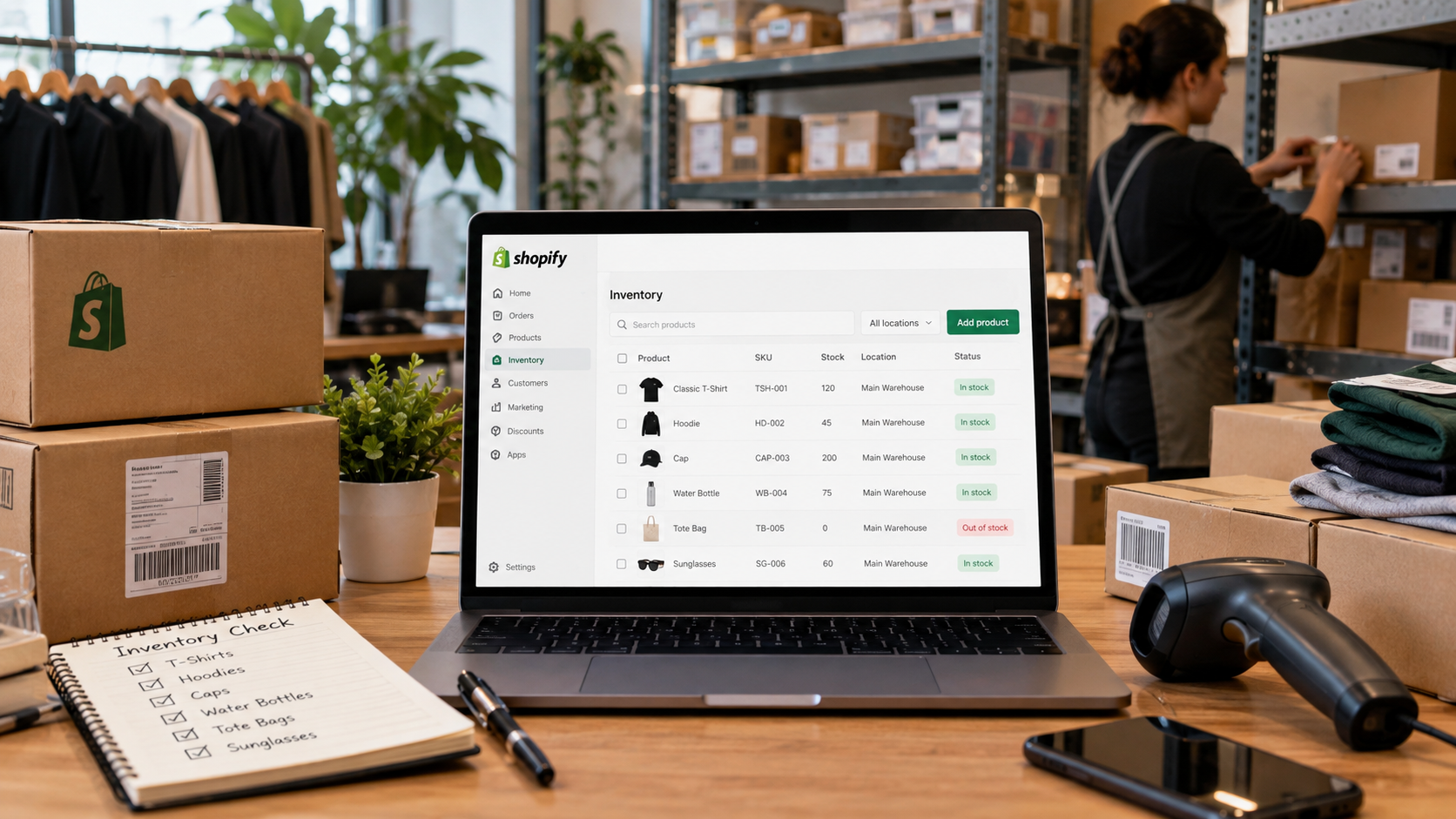
How Shopify Inventory Management Works for Ecommerce and Retail Businesses
Managing stock accurately becomes increasingly important as an ecommerce business adds products, sales channels, warehouses, and retail locations. Shopify inventory management gives merchants built-in tools for tracking stock, handling purchase orders, transferring inventory, reviewing product performance, and coordinating online and in-person sales from Shopify Admin.
Instead of requiring a separate inventory platform at launch, Shopify includes inventory functionality with its paid commerce plans. Businesses can begin with relatively simple SKU tracking and later connect apps, POS tools, warehouse systems, or ERP software as operational requirements increase.